For highly repetitive tasks, it’s often easier to hit a key on the keyboard to get to that task, faster.
Here are built-in keyboard shortcuts within the Subrise platform:
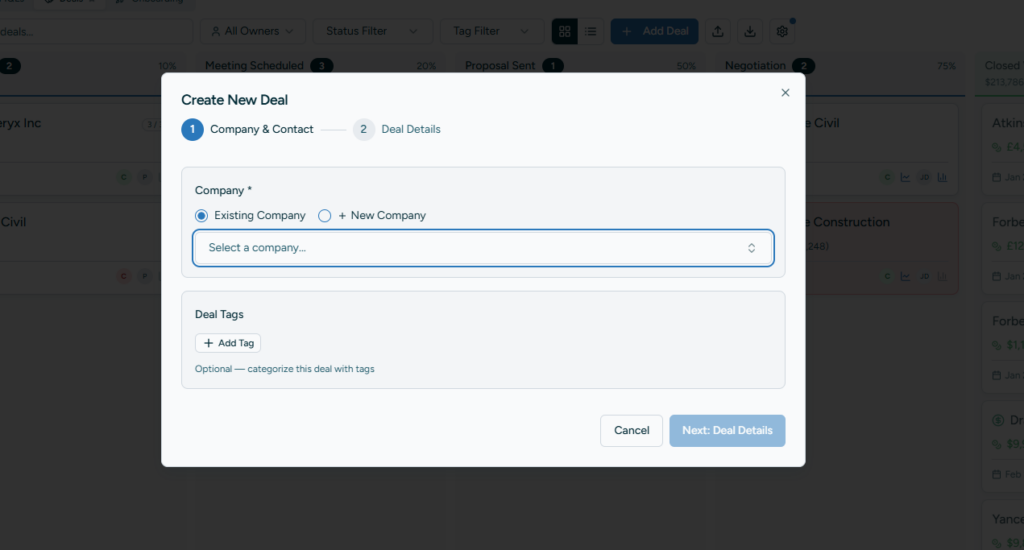
Create a new Deal on the Deals screen
Click “D” on your keyboard and the “Add Deal” modal will pop up.
Create a new Company in the Customer Hub screen
Click “C” on your keyboard and the Add Company modal will pop up.

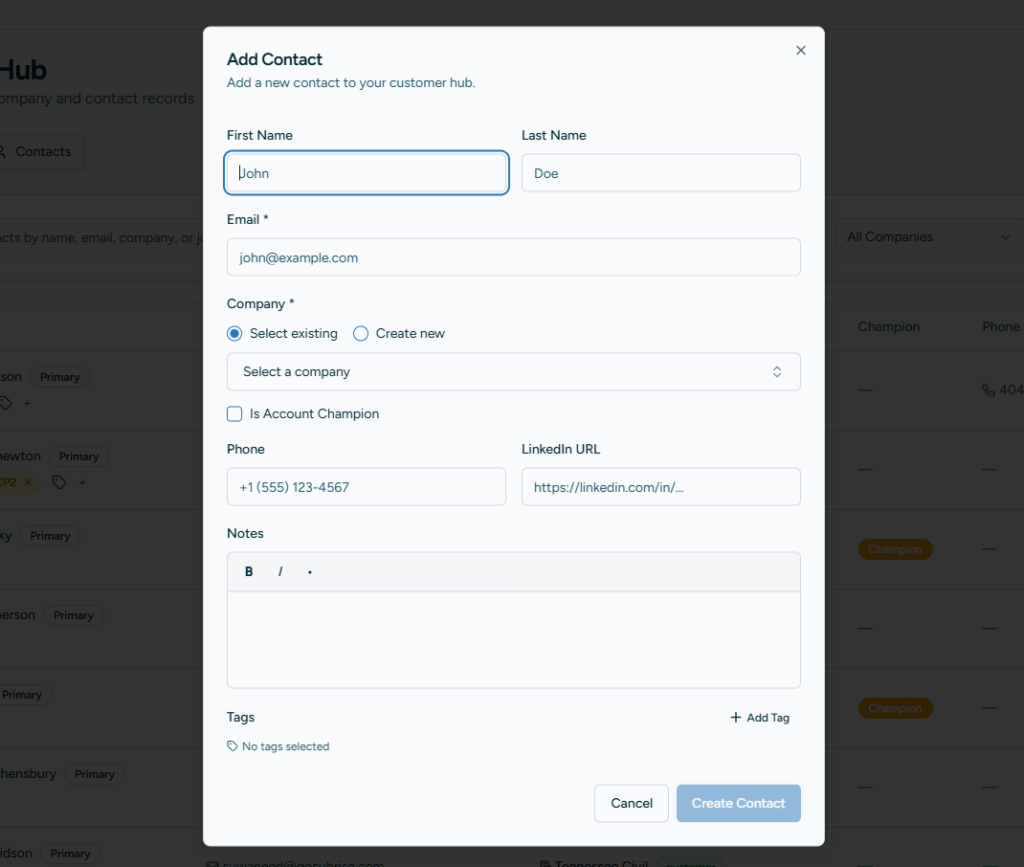
Create a new Contact in the Customer Hub screen
Click “C” while on the Contact tab in the Customer Hub screen and the add new Contact modal will pop up.