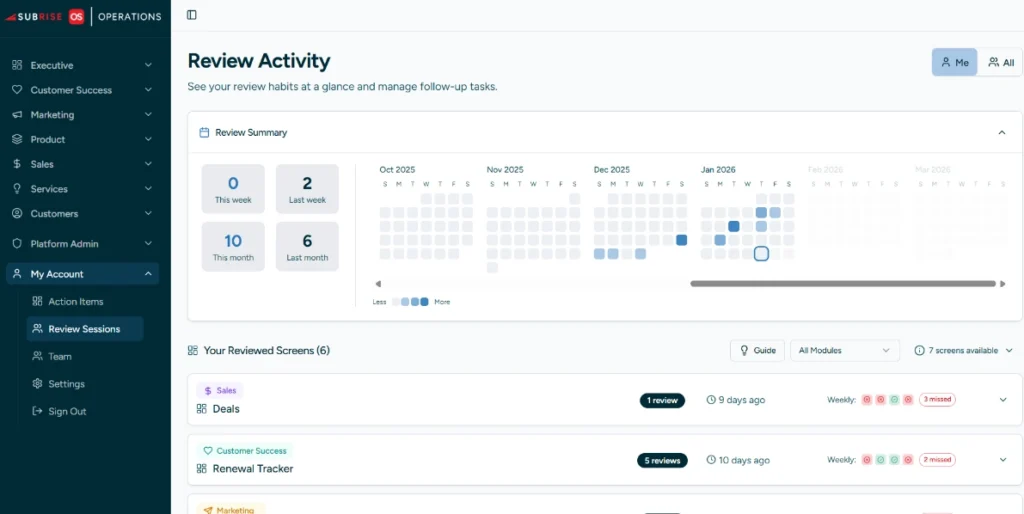
The Subrise OS platform is designed to drive not only cross-department collaboration and transparency, but also operating excellence. That’s achieved through two major features – Review Activity and Action Items.
Confirm Leadership Review Process is Happening
Throughout the platform, “Review” buttons are located, allowing for a review to take place between, to confirm health of critical department KPIs (MQLs for marketing, initiatives for product, dealflow for sales).
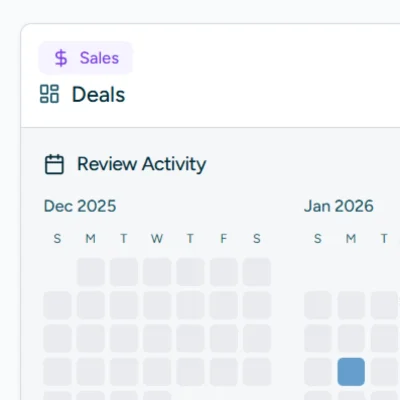
Get Department-Level Transparency
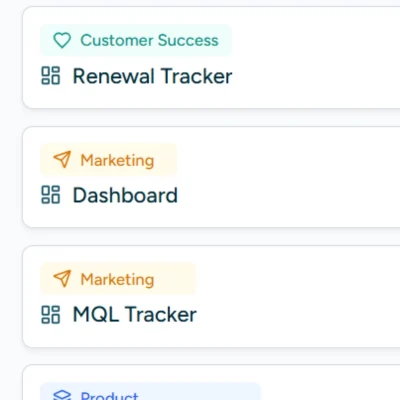
For each department, get screen-specific review insights, helping you understand which areas are being most reviewed, and thus most respected.
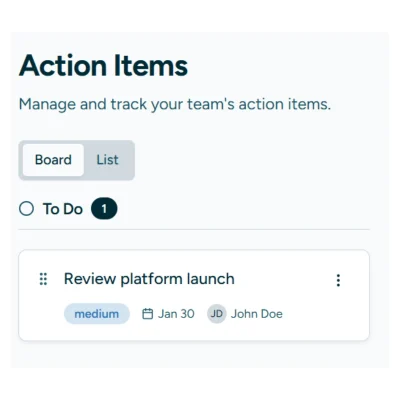
Everyone knows that meeting commitments aren’t also completed. While completing a Review process in the platform, the user has the additional option to add “Action Items”. These are time-based task trackers, attached to specific departments and screens, and transparent to both manager and employee.
On screens where Reviews are likely to happen, e.g. the Renewal Tracker, in the top right is a “Review” button. Once clicked, it logs a meeting, e.g. a monthly review of upcoming renewals. We do not manage the coordination of these meetings – we believe you’ve got that down!
When we onboard, we train your team to use the features. Once Subrise is implemented, we’ll rely on your leadership to continue to set expectations of ongoing use.